7 Best Digital Business Card Apps Compared: Free and Paid Options for 2026
We tested the top 7 digital business card apps side-by-side on pricing, features, analytics, and ease of use. Here is an honest comparison to help you pick the right one for your needs.
Md Rasel islam
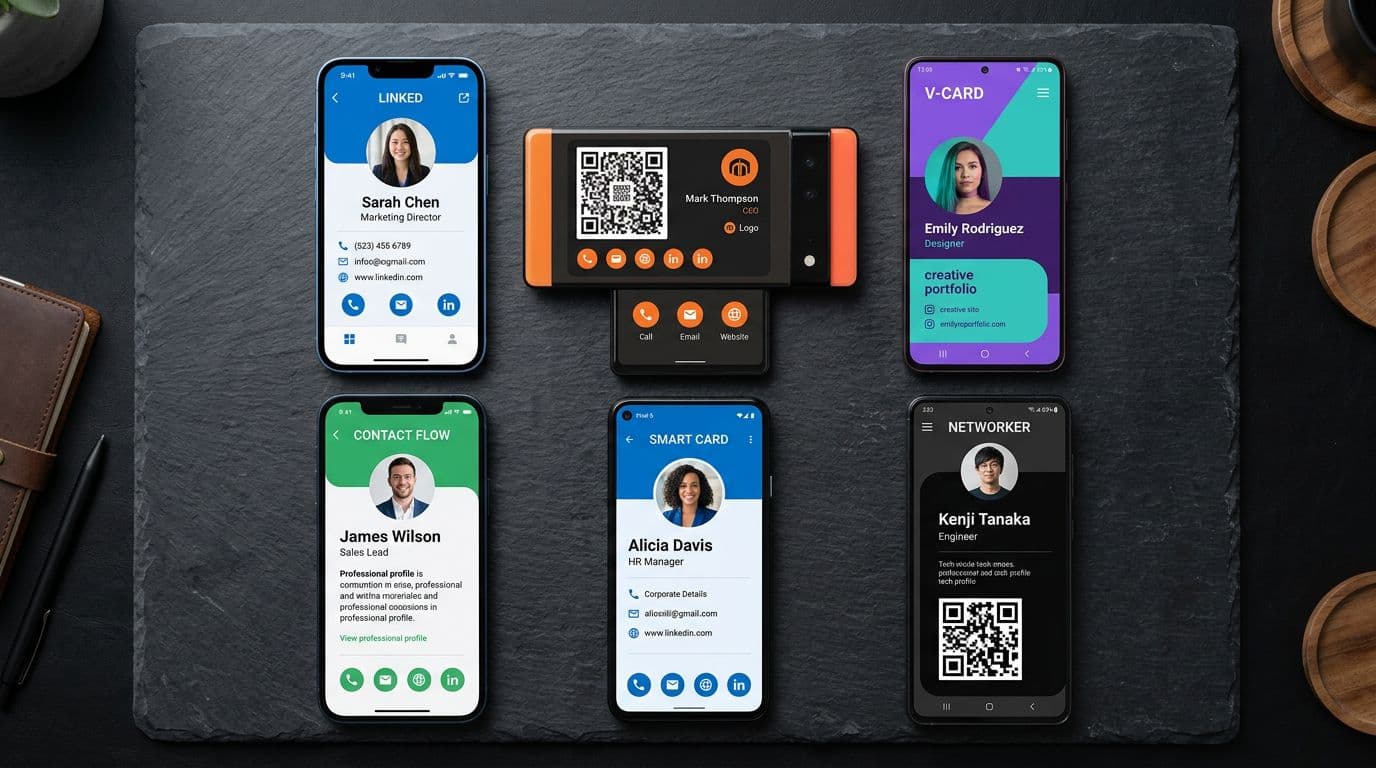
7 Best Digital Business Card Apps Compared: Free and Paid Options for 2026
The digital business card market has exploded. There are dozens of apps promising to replace your paper cards — but they're not all created equal.
We tested 7 of the most popular options side-by-side, evaluating them on what actually matters: pricing, ease of use, features, analytics, and whether they actually help you network better.
Here's what we found.
Quick Comparison Table
| App | Free Plan | Pro Price | Analytics | Lead Capture | QR Code | Best For |
|---|---|---|---|---|---|---|
| BizLinker | Yes (1 card) | $3/mo | Yes | Yes | Yes | Best overall value |
| HiHello | Yes (1 card) | $6/mo | Limited | No | Yes | Simple personal use |
| Popl | No | $7.99/mo | Yes | Yes | Yes | Teams + NFC |
| Linq | No | $9.99/mo | Yes | Yes | NFC only | NFC-first users |
| Blinq | Yes (1 card) | $6.99/mo | Basic | No | Yes | International users |
| Mobilo | No | $7.99/mo | Yes | Yes | NFC + QR | Enterprise teams |
| CamCard | Yes (scan only) | $5/mo | No | No | No | Card scanning/OCR |
Detailed Reviews
1. BizLinker — Best Overall Value
Pricing: Free forever (1 card) | Pro: $3/month
BizLinker stands out for offering the most features at the lowest price point. The free plan includes a full digital business card with QR code sharing, standard analytics, and 12 professional themes — no credit card required.
What we liked:
- Setup in under 2 minutes — fastest onboarding of any app we tested
- Real-time analytics — see who viewed your card, when, and where
- Lead capture forms — visitors can submit their details directly from your card
- 12 professional themes — clean, modern designs that look great on any device
- Free QR code — automatically generated, works on all smartphones
- No watermark on free plan — most competitors add their branding
What could be better:
- Free plan limited to 1 card (Pro gives unlimited)
- No NFC card option (QR-only, which works on more devices)
Best for: Professionals who want maximum features without paying enterprise prices. The $3/month Pro plan is the cheapest in this list by far.
Verdict: 9/10 — Best bang for your buck.
2. HiHello — Best for Simple Personal Use
Pricing: Free (1 card) | Pro: $6/month
HiHello offers a clean, simple digital business card with basic customization. It's a solid option if you just need a digital card without advanced features.
What we liked:
- Clean card design
- Easy to set up
- Virtual backgrounds for video calls
What could be better:
- Limited analytics (Pro only)
- No lead capture on any plan
- $6/month feels pricey for what you get
Best for: Individuals who want a simple, no-frills digital card.
Verdict: 7/10 — Good but limited.
3. Popl — Best for Teams + NFC
Pricing: No free plan | Pro: $7.99/month
Popl is known for its NFC products (physical cards, phone stickers) and team management features. It's a strong choice for sales teams that want to standardize their digital cards.
What we liked:
- Physical NFC products are well-designed
- Team management dashboard
- CRM integrations
What could be better:
- No free plan — you're paying from day one
- $7.99/month per user adds up for teams
- Requires NFC hardware for the best experience
Best for: Sales teams that want NFC cards + centralized management.
Verdict: 7/10 — Great for teams, expensive for individuals.
4. Linq — Best for NFC-First Users
Pricing: No free plan | Starts at $9.99/month
Linq focuses heavily on NFC technology. Their physical NFC cards and products are premium quality, but the digital-only experience isn't as polished.
What we liked:
- Premium NFC card hardware
- Good CRM integrations
- Apple Wallet support
What could be better:
- Most expensive option on this list
- Digital-only experience feels secondary to NFC
- No free plan at all
Best for: People who want a premium NFC card and don't mind paying for it.
Verdict: 6/10 — Premium hardware, premium price.
5. Blinq — Best for International Users
Pricing: Free (1 card) | Pro: $6.99/month
Blinq is an Australian-based platform with a clean interface and good international support. It works well for professionals who network across different countries.
What we liked:
- Clean, modern interface
- Good language support
- Apple Wallet integration
What could be better:
- Analytics are basic even on paid plans
- No lead capture
- Fewer theme options than competitors
Best for: International professionals who need multi-language support.
Verdict: 6.5/10 — Solid but missing key features.
6. Mobilo — Best for Enterprise
Pricing: No free plan | Starts at $7.99/month
Mobilo targets enterprise users with team management, CRM integrations, and both NFC and QR capabilities. It's a full-featured platform but priced accordingly.
What we liked:
- Both NFC and QR support
- Strong CRM integrations (Salesforce, HubSpot)
- Team analytics dashboard
What could be better:
- No free plan
- Setup is more complex than competitors
- Overkill for individual users
Best for: Enterprise sales teams that need CRM integration.
Verdict: 7/10 — Powerful but not for everyone.
7. CamCard — Best for Card Scanning
Pricing: Free (scanning only) | Pro: $5/month
CamCard is less of a digital business card creator and more of a card scanning tool. It uses OCR to digitize paper business cards you receive. Useful as a companion tool, not a replacement for creating your own digital card.
What we liked:
- Excellent OCR accuracy
- Batch scanning for stacks of cards
- Contact management features
What could be better:
- Doesn't create shareable digital cards
- No QR code generation
- No analytics or lead capture
- Outdated interface
Best for: People who still receive paper cards and want to digitize them.
Verdict: 5/10 — Different purpose entirely.
How We Chose These 7
We evaluated 20+ digital business card apps and narrowed to 7 based on:
- Active development — The app is still being updated in 2026
- User base — Has a meaningful number of real users
- Core functionality — Actually creates shareable digital business cards
- Available on all platforms — Works on both iPhone and Android
What to Look For in a Digital Business Card App
Must-Have Features
- QR code sharing — The universal sharing method
- Mobile-optimized cards — Most people view on their phone
- Contact save button — One-tap vCard download
- Free plan — Try before you buy
Nice-to-Have Features
- Analytics — Know who views your card
- Lead capture — Collect visitor details automatically
- Custom branding — Your logo and colors
- CRM integration — Sync contacts to your pipeline
Red Flags
- No free plan and no trial
- Charges for basic QR code generation
- Adds watermark/branding on paid plans
- No HTTPS on card pages
- Last updated more than 6 months ago
Our Recommendation
For most professionals, BizLinker offers the best combination of features, price, and ease of use:
- Free forever with a full-featured card
- $3/month Pro is half the price of most competitors
- Analytics + lead capture included (most charge extra)
- 2-minute setup — the fastest in our testing
- No watermarks on any plan
If you need NFC hardware, Popl is a solid choice. If you need enterprise CRM integration, look at Mobilo. But for the vast majority of professionals, BizLinker is the best value on the market.
Create your free digital business card →
Related reads: QR Code Business Cards: The Complete Guide | How to Network at Events